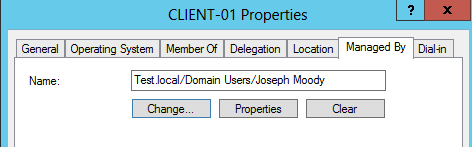
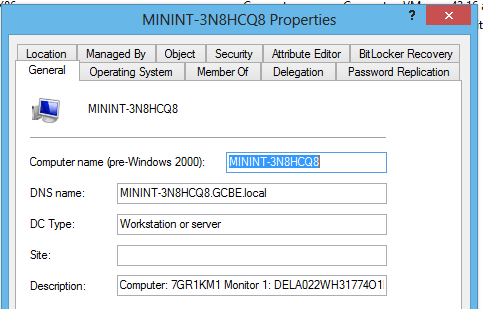
Now that Active Directory can tell us what computer models we have (and how many we own), it is time to extend our inventory! Today, we are going to implement one shutdown that script with Group Policy. This script will query for our computer’s serial number (or service tag) and will also grab the unique ID associated with an attached monitor. It will then store both pieces of information in that computer’s Active Directory account. As a final result, you can look at any computer in your domain and see the information in the Description field. This makes it incredibly easy to find serial numbers in Active Directory!
So if you are tired of manually doing an inventory, let’s automate some stuff!
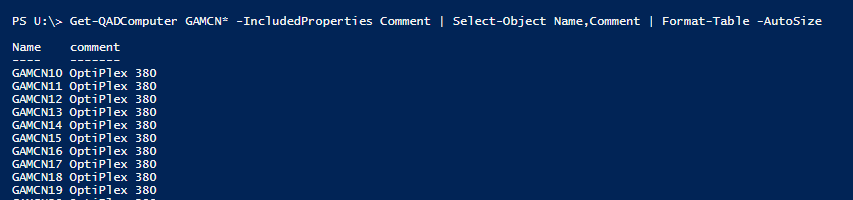 With a few scripts, you can setup Active Directory Inventory for Hardware. With PowerShell, you can then query or manipulate this data in nearly anyway!